The Lab · Undergraduate work, 2023–2024

3D environments, illustrated robots and a Processing card game—connected by a curiosity about making things interactive.
The original 3D project
Building the lab world.
The Lab began as an undergraduate project connecting a 3D setting with illustrated, interactive robots. I worked across Cinema 4D, ZBrush and After Effects to model, rig, texture and composite the animation.
The original film shows the scientist, robot and experiment table in that world. The film was made in fall 2023; the illustrated Processing game followed in 2024, before the later browser adaptation.
Moving between environments, characters and an interface helped me explore how a visual idea changes when someone can interact with it.
Modeling the world · Fall 2023
From a sketch to a place.
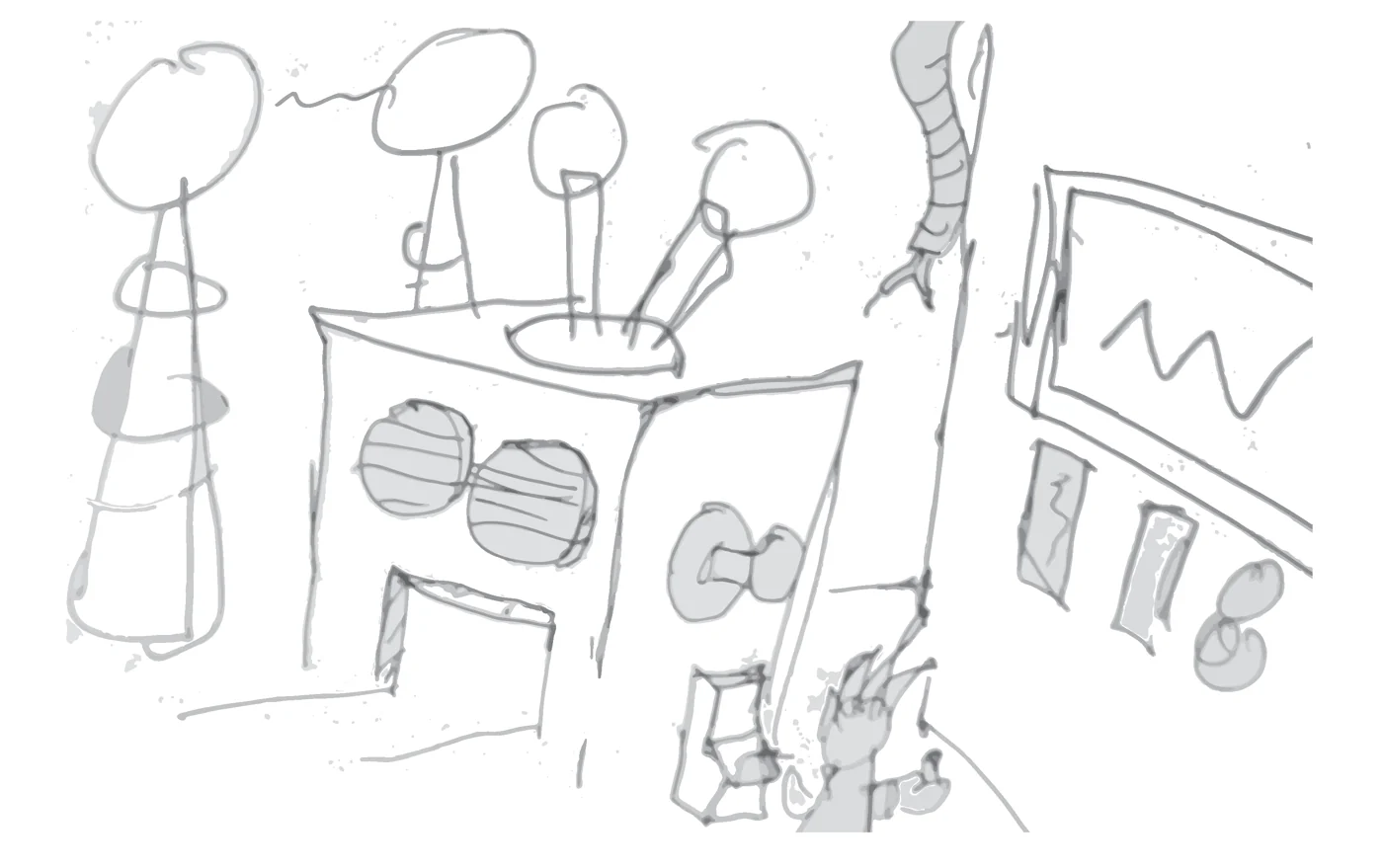
The Lab started as a simple concept with a little motion. I expanded it into a scene where two characters could interact, drawing on the game worlds and animation I grew up with.
I modeled the environment and props in Cinema 4D, and explored character sculpting in ZBrush. The machines, television, whiteboard and everyday objects gave the room a purpose beyond being a background.
Learning to sculpt and rig was part of making the story possible: the character had to do more than stand inside a finished render. That pushed the project beyond the simple movement I had initially planned.
Animation & compositing
Give the scene something to say.
I wanted an exchange between the characters without recording my own dialogue. Text overlays in After Effects became part of the solution, connecting the film to the game-inspired visual style.
That decision gave the work a clearer direction. Modeling established the room and its props; rigging and animation gave the characters movement; compositing brought the conversation into the scene.
My original project statement describes a Nintendo GameCube-inspired aesthetic and learning ZBrush, After Effects and rigging along the way. The finished film brought those new skills together rather than treating each software exercise as a separate output.
The film was made for ART 318 in fall 2023. The illustrated Processing game followed in 2024; the website’s arcade cabinet is a separate VR-coursework artifact.
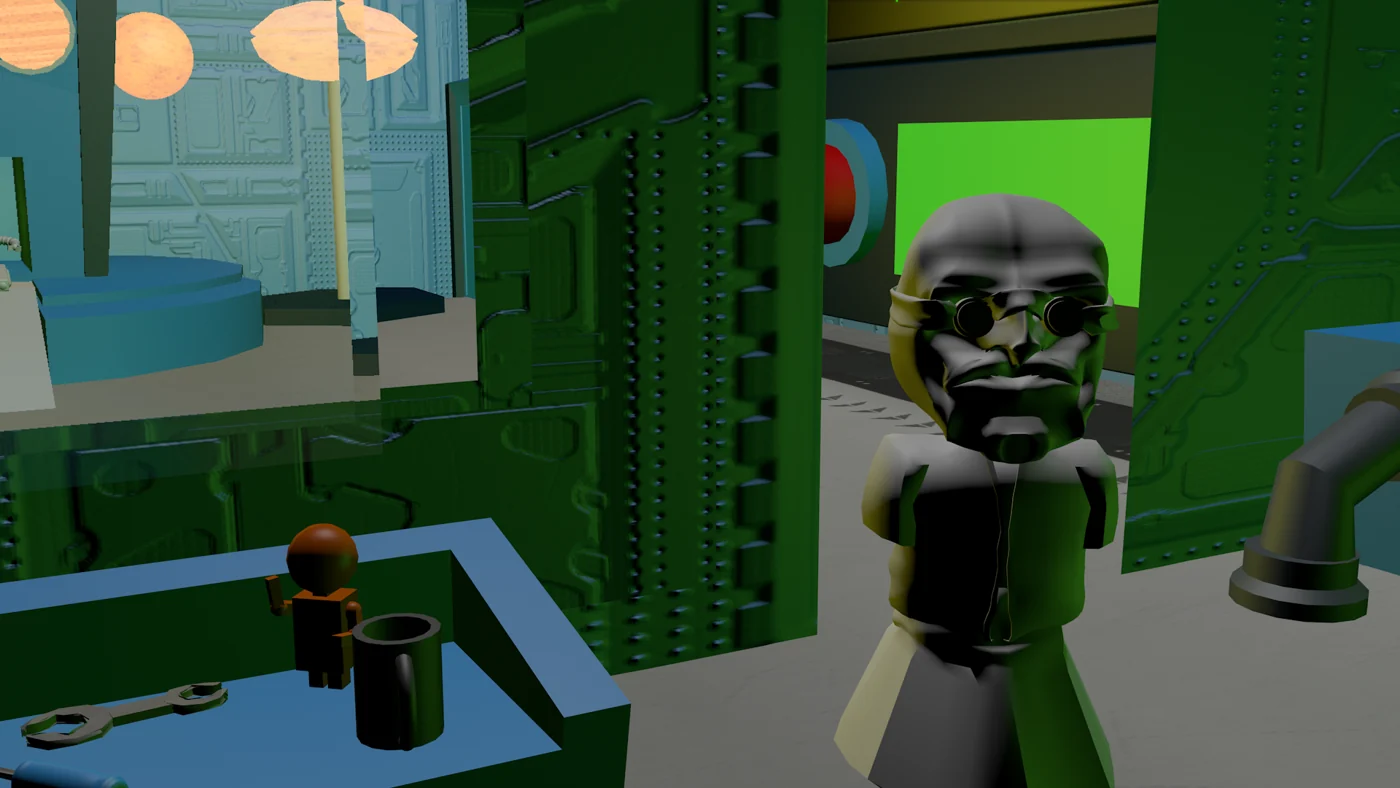
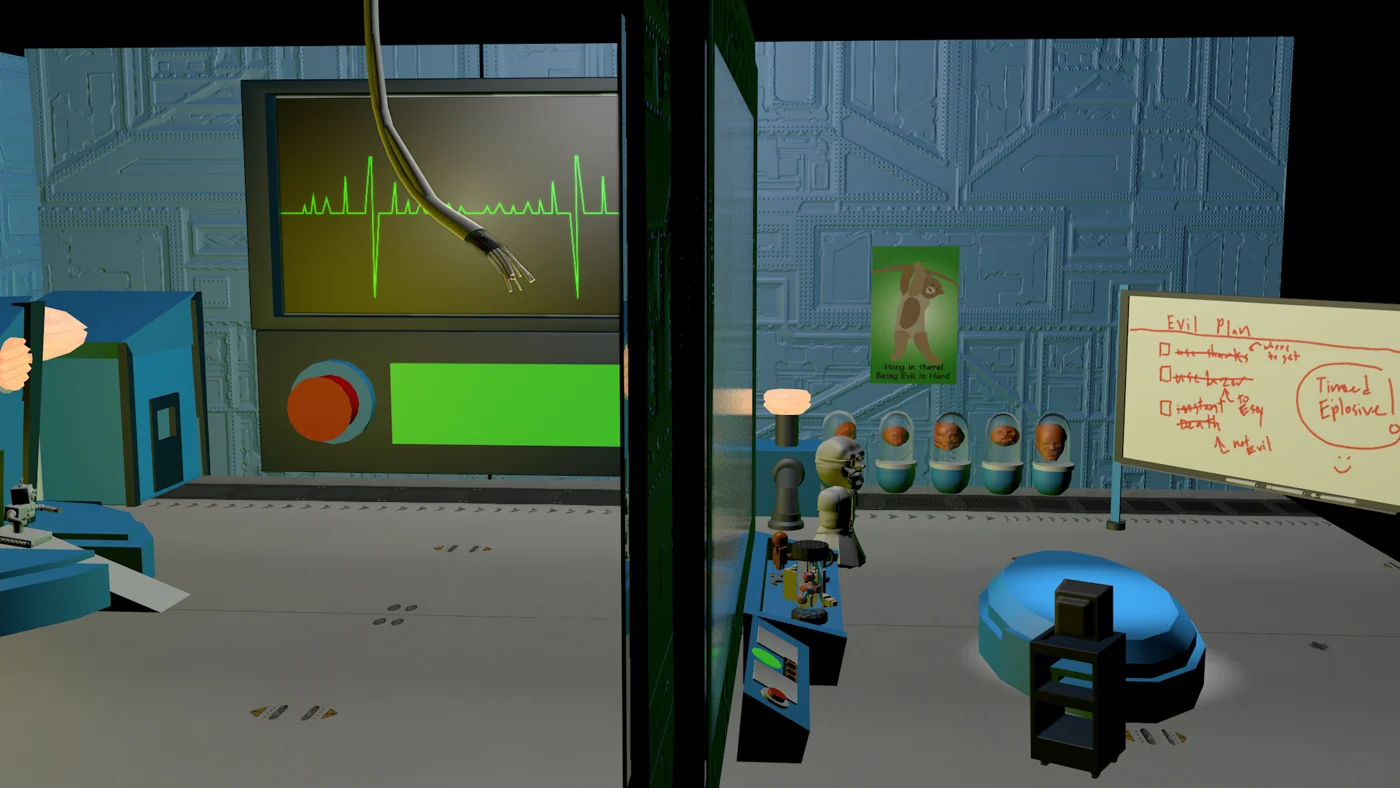
Illustration meets code
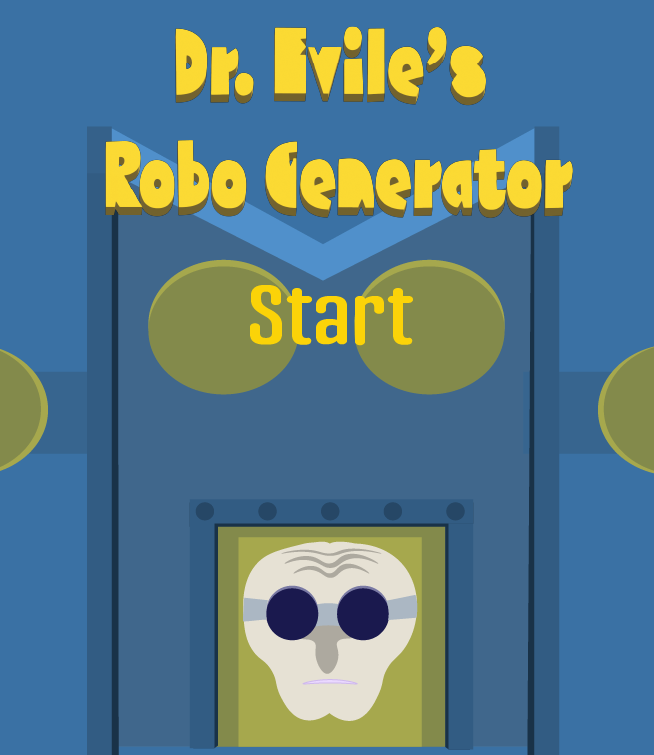
Dr. Evile’s Robo Generator
For the original 2024 Processing project, I created the robot cards and machine artwork in Illustrator, then gave the game behavior through classes, random values, conditionals and loops.
The game draws on the push-your-luck idea behind 21. Each robot adds power; the player chooses whether to draw again or lock a score. The illustrated handle, gauges and red or green result screens make those changes part of the machine.
The original sketch used fixed canvas hit areas. Its source and artwork became the starting point for the browser adaptation below.
Inside the original Processing sketch · 2024
Artwork with a job to do.
The machine, cards and gauge were separate illustrated assets. Classes and image arrays let the sketch connect them to a player’s actions.
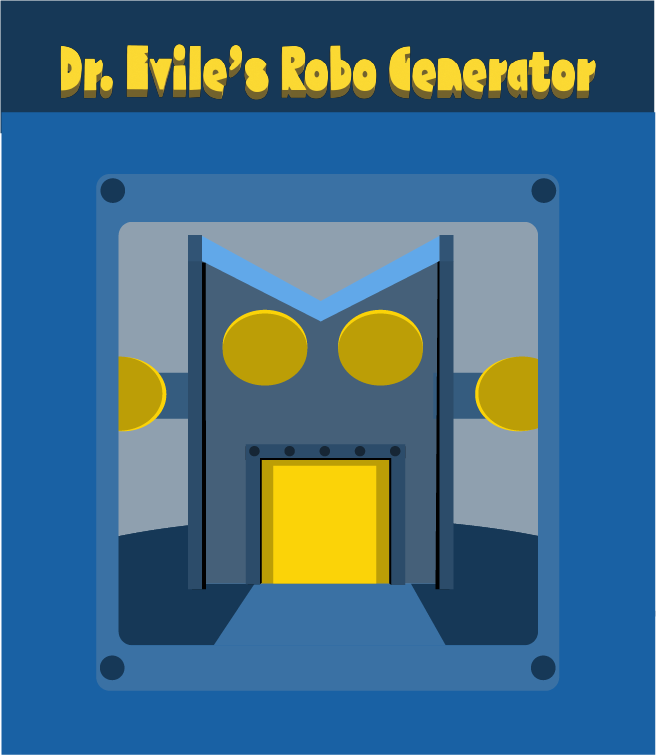
A lever pull becomes a state change.
The original sketch checks a fixed rectangle for a mouse press, draws a random power value, adds it to the running total and asks the deck to display that robot.
alpha_2.pde · lever branch
  if (mouseX>=574 && mouseX<=630 && mouseY>=318 && mouseY<=430) {
    userspwer = int(random(1, 15));
    println("lever");
    println(userspwer);
    fullpow = fullpow + userspwer;
    newDeck.decknumber(userspwer);
  }
The upper limit of Processing’s random call is exclusive: this branch produces values 1–14. The browser adaptation replaces the fixed hit area with an accessible button.
An array connects the number to the artwork.
The Deck class loads the original robot exports into an image array. Its display method uses the selected value as the array index and places the corresponding robot in the middle of the machine.
Deck.pde · display-method excerpt
   void decknumber(int pwer ){

    imageMode(CENTER);
    image(roboDeck[pwer], width/2, height/2);
The shared frame gives the robots a consistent visual language, while their different designs make each draw recognizable. This is an excerpt from the original method, not a complete runnable sketch.
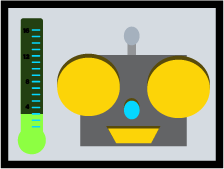
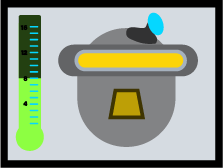
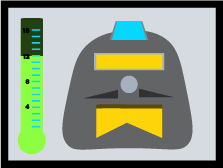



Feedback is part of the interface.
The PowerGage class follows the same approach: an array stores the visual levels, and the current power selects which one to show. The illustrated gauge is driven by the game rather than being decoration.
PowerGage.pde · display method
  void gagenumber(int pwer){

    imageMode(CENTER);
    image(powerlvl[pwer], width/18, height/2);


   }
The later web version keeps these graphics and adds readable power values and live result text. The historical code shown here is preserved as coursework evidence; the browser game uses its own revised state logic.
A later browser adaptation · 2026
The original character.
A more usable way to play.
This portfolio prototype rebuilds the interaction in HTML, CSS and JavaScript while preserving the original illustrated machine, handle, robot cards and result screens. It is an adaptation, not the Processing sketch running unchanged.
The house target now stays fixed for a round, overload is final, and replay resets the whole game. Semantic buttons, readable feedback and responsive sizing replace fixed desktop hit areas.
Draw values remain 1–14, the hidden house target is 11–15, and 17 or more overloads the machine. Locking at or above the house target wins, provided the machine has not overloaded.
Play the browser adaptationThe arcade cabinet on this website
The small cabinet that opens the game is a separate artifact from my 2024 VR final. Its original geometry has been exported for this portfolio and given new presentation lighting. It was not part of the original Lab world; bringing the cabinet and game together is a new browser presentation.